.png)
Calm Mode
How to enable Calm Mode
Calm Mode is a dedicated accessibility feature within Languagenut designed to create a more focused, less distracting learning environment for students with Special Educational Needs and Disabilities (SEND).
By reducing visual clutter and removing time-related pressure, Calm Mode helps students engage with language learning activities at their own pace and with greater confidence.
What Does Calm Mode Do?
When Calm Mode is enabled:
- Timers are removed from activities.
- Animations and visual distractions are reduced.
- Students can focus on the learning task without feeling rushed.
- The interface becomes calmer and easier to navigate.
This creates a more supportive environment for students who may experience anxiety, sensory sensitivities, attention difficulties, or processing challenges.
Who Is Calm Mode Designed For?
Calm Mode can be particularly beneficial for students with:
- Autism Spectrum Condition (ASC)
- ADHD and attention difficulties
- Dyslexia and other specific learning difficulties
- Sensory processing needs
- Anxiety-related learning challenges
- Other SEND requirements where a reduced-stimulation environment supports learning
Teachers may also find Calm Mode useful for any learner who benefits from a more focused and less pressured classroom experience.
How to Enable Calm Mode
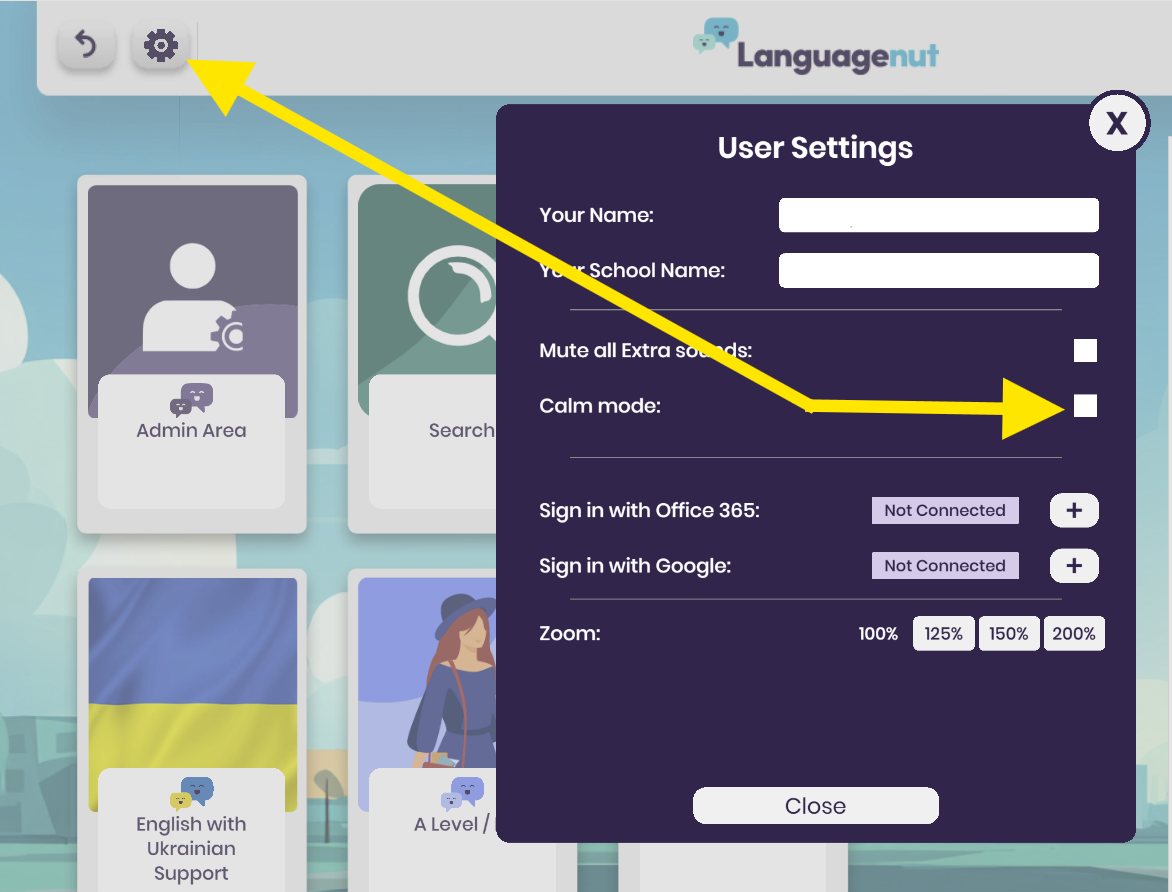
Teachers and students can enable Calm Mode through the User Management area.
- Log in to your Languagenut account.
- Open the User Management section.
- Enable Calm Mode.
- Click on Close
Benefits of Calm Mode
Reduces Anxiety
Many students can feel pressured by countdown timers or fast-paced activities. Calm Mode removes these pressures, allowing students to focus on learning rather than racing against the clock.
Supports Concentration
A simplified interface helps students maintain attention on the language task without unnecessary visual distractions.
Encourages Confidence
Students can work at a pace that suits their individual learning needs, helping them build confidence and achieve success.
Promotes Inclusion
Calm Mode forms part of Languagenut's commitment to making language learning accessible for all learners and supporting inclusive classroom practice.
Frequently Asked Questions
Does Calm Mode change the learning content?
No. The language content, curriculum coverage, and learning objectives remain exactly the same. Calm Mode only changes the way activities are presented.
Can Calm Mode be used for students without identified SEND needs?
Yes. Any student who benefits from a calmer, less distracting learning environment may use Calm Mode.
Does Calm Mode affect student progress tracking?
No. Student scores, activity completion, and progress reporting continue to function as normal.
Our Commitment to Accessibility
Languagenut is committed to creating an inclusive language-learning experience for every student. Calm Mode is one of several accessibility features designed to help learners engage confidently and successfully with language learning, regardless of their individual needs.
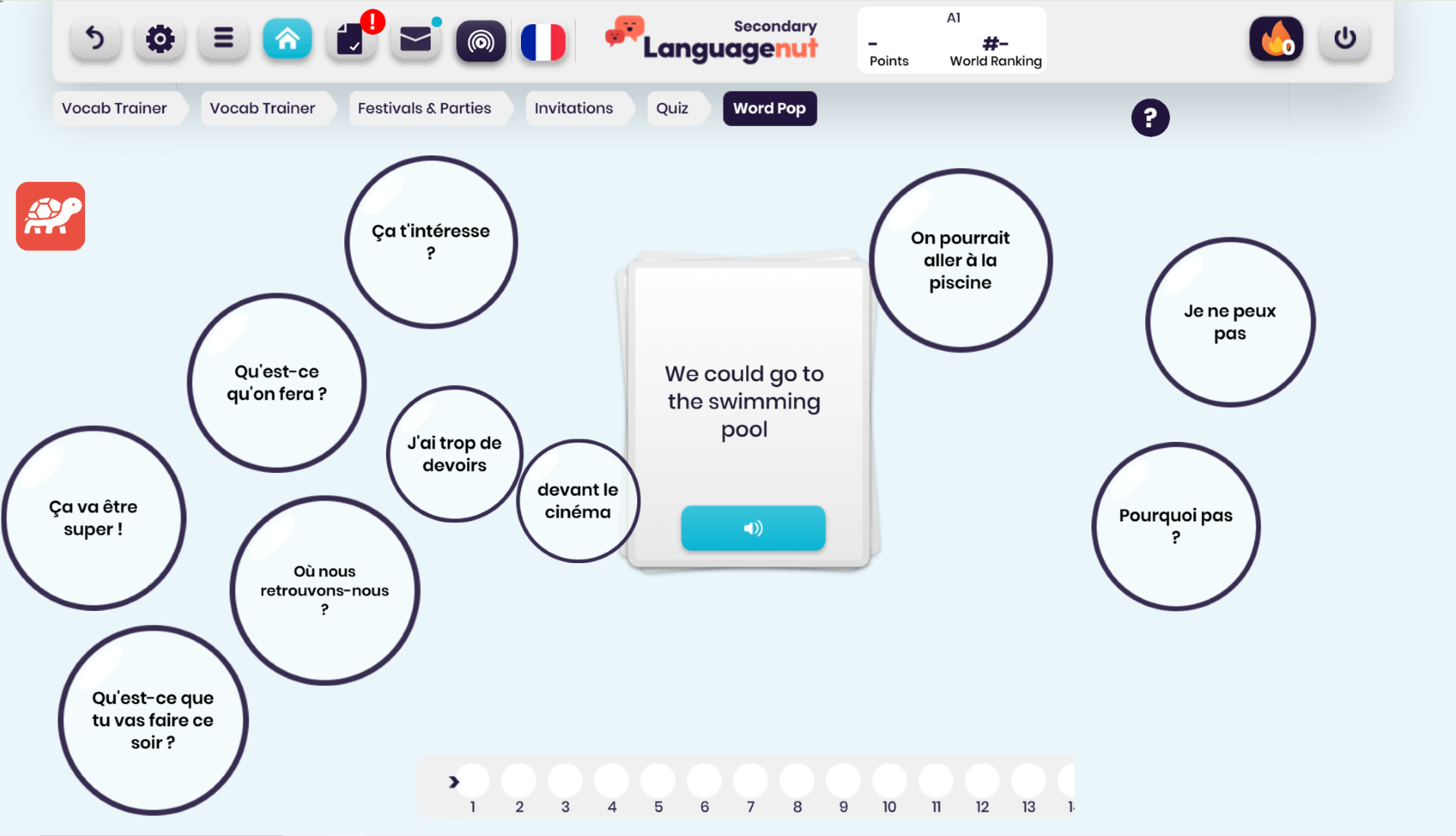
What one of the activities looks like: