.png)
Accessibility for students
At Languagenut, we believe every student deserves access to great language learning, and we're committed to making our platform as inclusive as possible.
We're continually improving Languagenut to support students with different learning needs. Here are some of the accessibility features currently available.
🌿 Calm Mode
Calm Mode creates a calmer, less distracting learning environment by reducing visual distractions and removing time pressure from activities.
It can be particularly helpful for students who benefit from a quieter, more focused learning experience.
🔊 Screen reader support
Languagenut supports screen readers, helping students who are blind or partially sighted access on-screen content and navigate the platform.
Screen readers can read text aloud and support keyboard navigation.
🔍 Native zoom
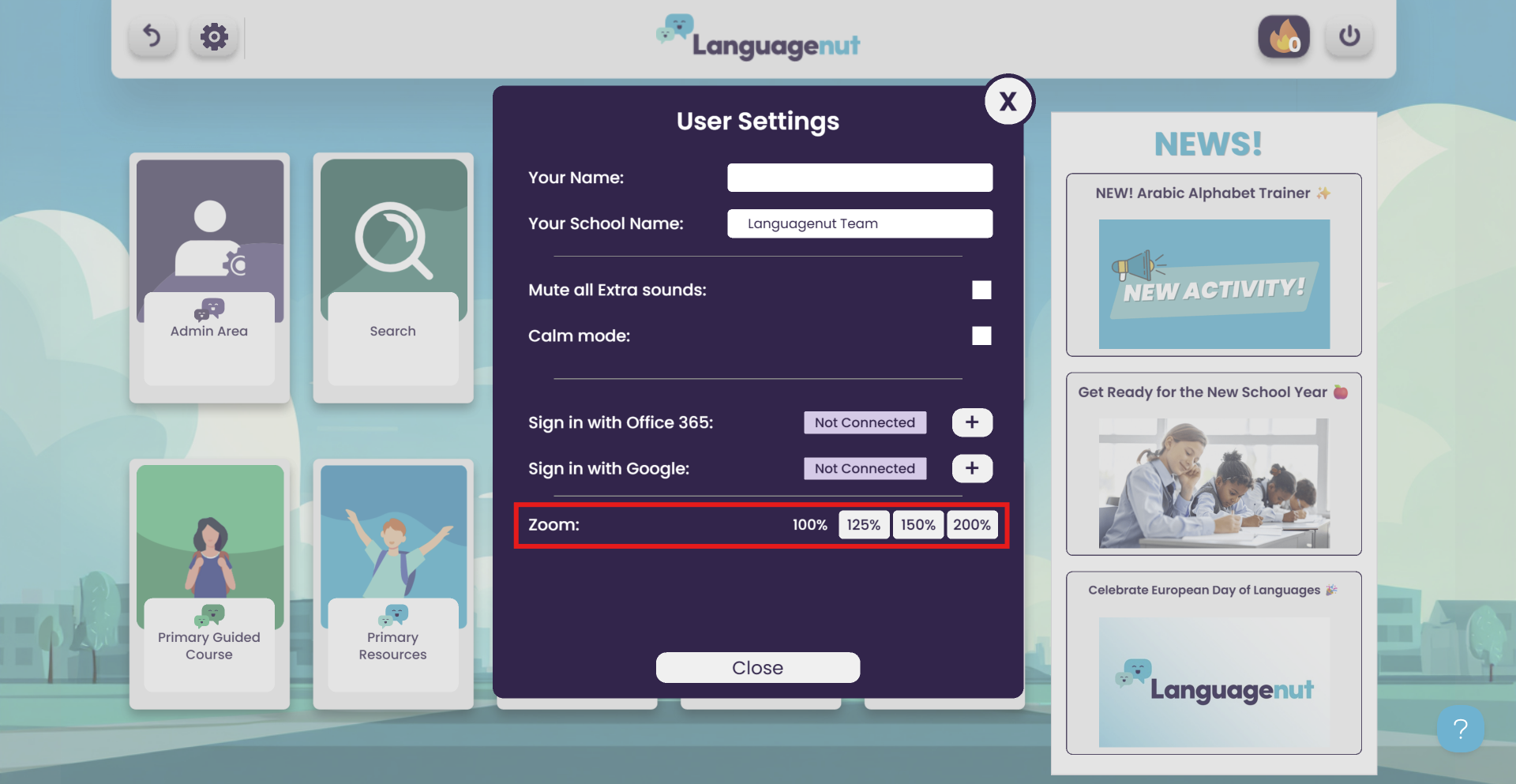
Students can enlarge content within Languagenut by up to 200%, making text and other on-screen elements easier to see.
👁️ Visual accessibility
Some activities include additional options to make content easier to see and interact with.
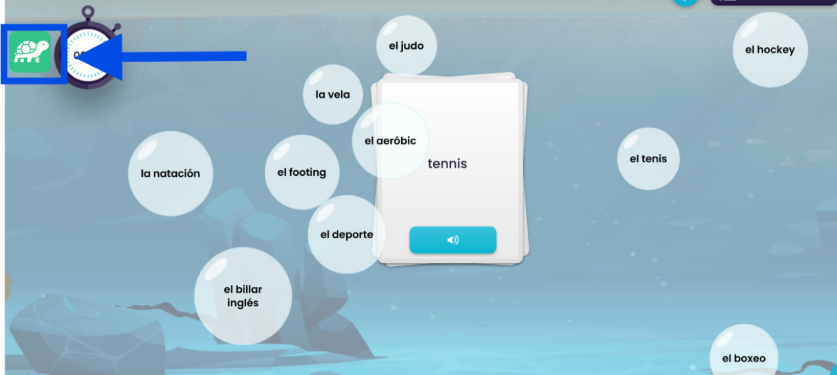
In Vocab Trainer, Word Pop can be slowed down or frozen to reduce movement and visual distraction.
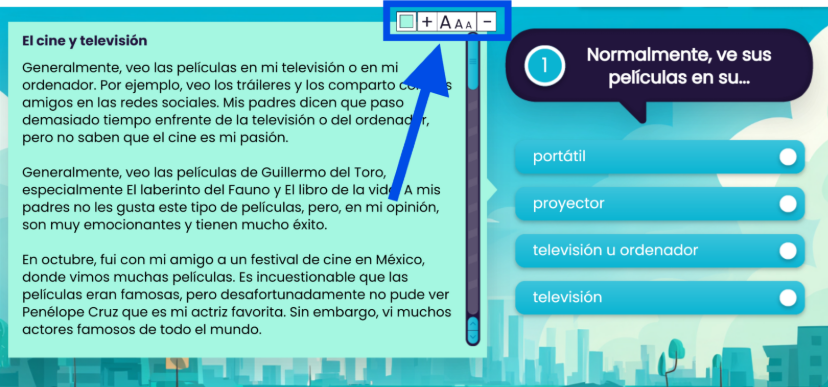
In Exam Skills, Reading Multiple Choice and Open Reading Comprehension allow students to increase the font size and change the background colour to make text easier to read.
🎧 Listening activities
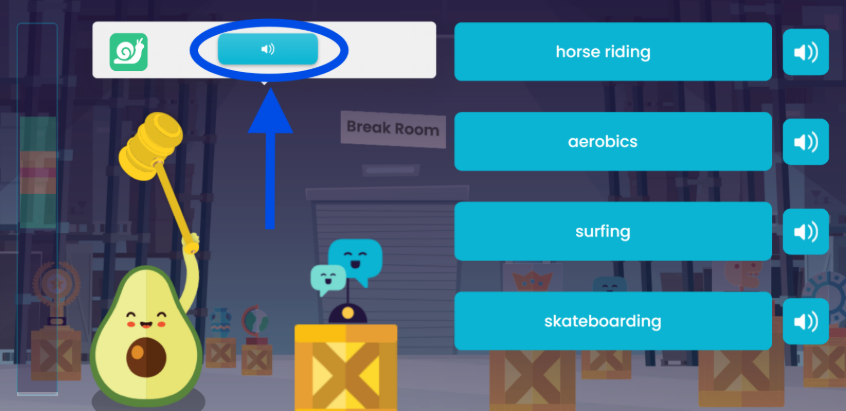
Languagenut includes a wide range of listening activities, giving students an alternative way to engage with language content without relying solely on reading.
📝 Printable activities
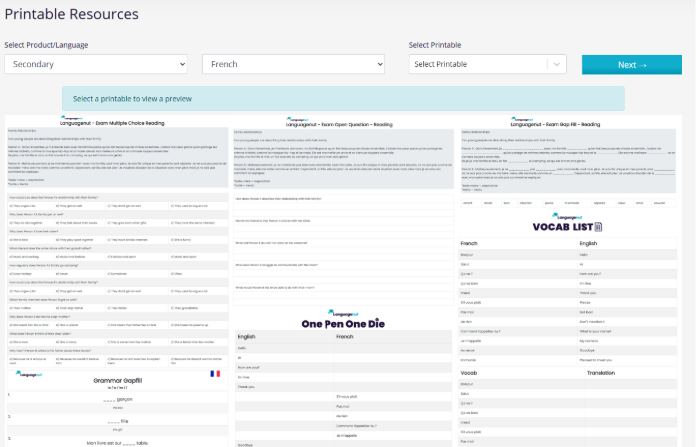
Many activities are available in printable format, allowing students to work away from a screen where this is more appropriate for their needs.
We're continuing to improve accessibility
Accessibility is an ongoing priority for Languagenut, and we're continuing to make improvements across the platform to support more students.
If you have suggestions or feedback about accessibility, we'd love to hear from you. Please contact us at customersupport@languagenut.com or get in touch through the Help Centre.